Paint
Enable paint
This tool allows the user to make quick notes during the operation.
To access the paint option, click on this icon, a 'Paint toolbar' will then appear:
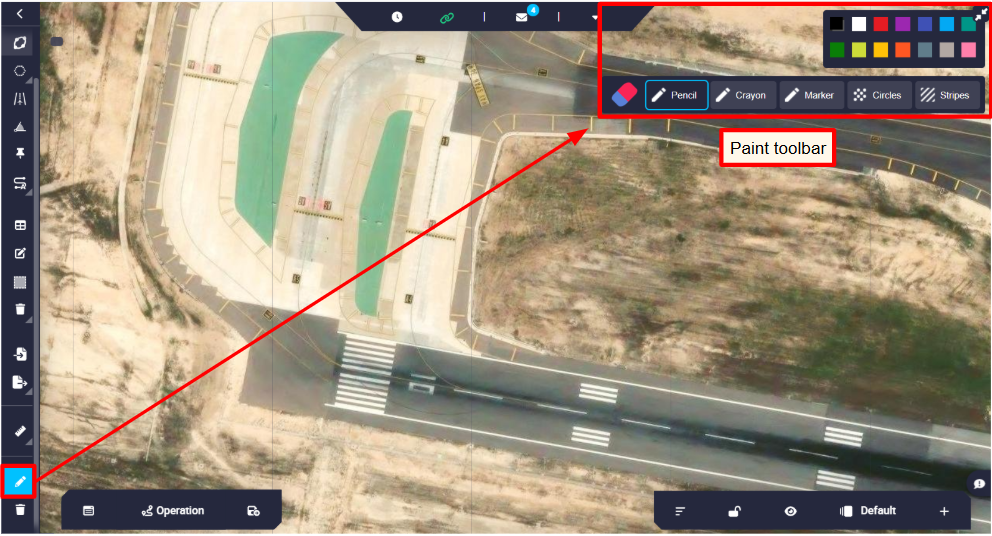
Users can choose from a variety of 'writing elements' and colors to paint:
- Pencil
- Crayon
- Marker
- Circles
- Striples
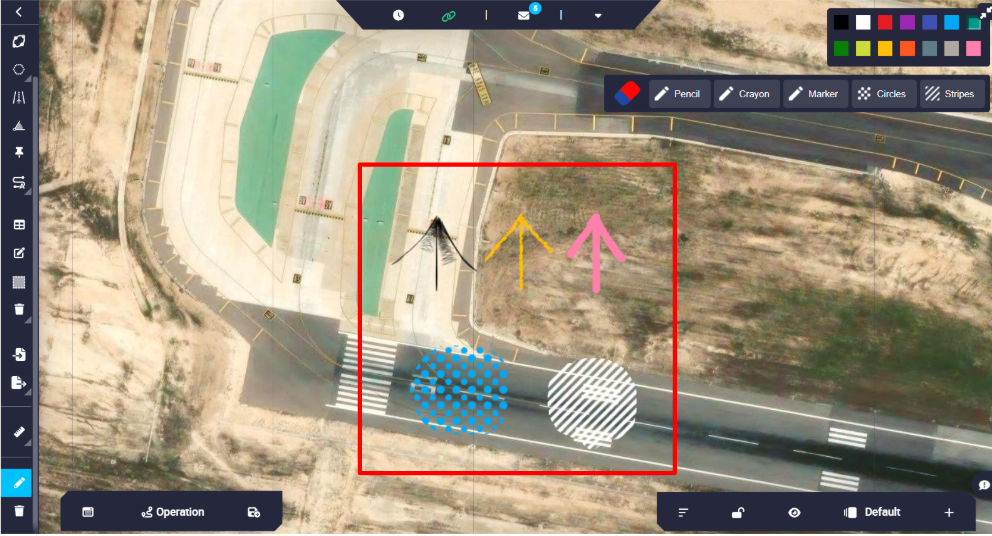
An example of each is shown in the figure below:
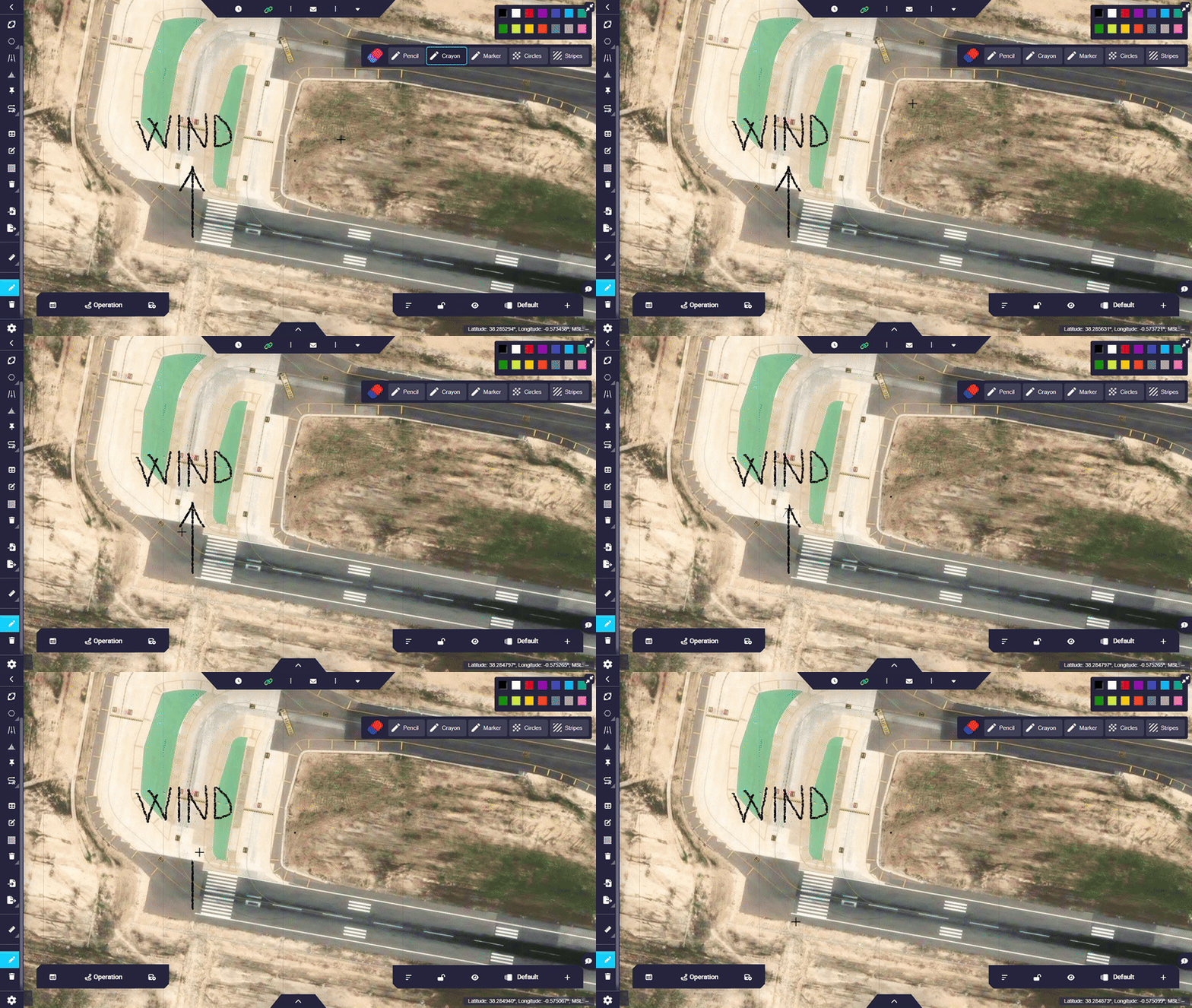
In addition, all notes made can be erased with an eraser, if they are not already saved, by clicking on the 'eraser option' in the toolbar.
Note
Changes will be saved automatically upon exiting the '*Paint' option. When exiting, the following message appear:

Delete paint
By clicking the following icon  , all paints will be removed. The following confirmation pop-up window will appear:
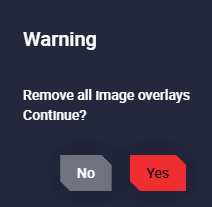
After clicking 'Yes', the following confirmation message will be displayed

© 2026 Embention. All rights reserved.