Remote ID
It is necessary to have Remote ID configured in Veronte Updater.
Once the Internal Remote ID has been configured, follow the steps below:
-
Go to Devices menu → Transponder/ADS-B panel. For activating it, select:
-
Model: Internal Remote Id
- Control Mode: The desired one
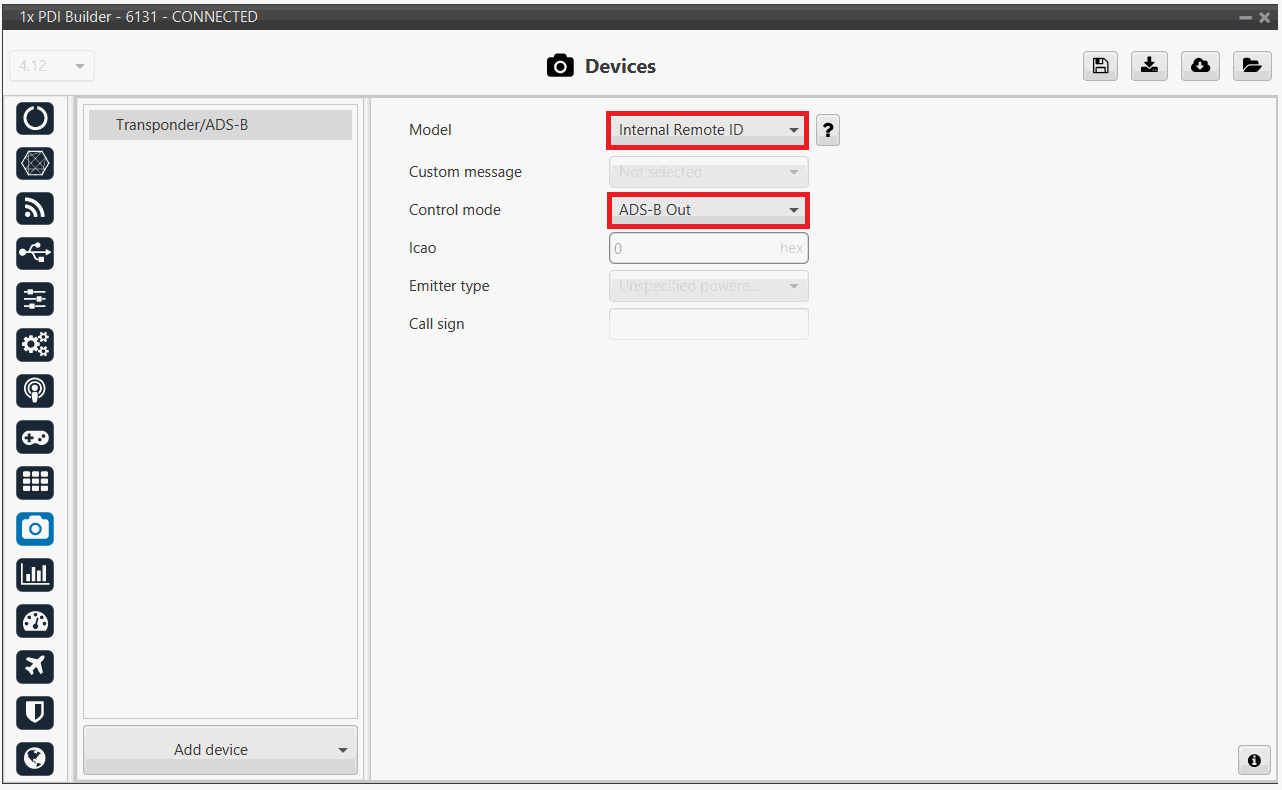
Finally, save this configuration by clicking on the save button (poner aqui icono del boton), and the Remote ID will be activated.
© 2026 Embention. All rights reserved.